When using blocks, your images will appear differently depending on the blocks you use.
Hero images/videos:
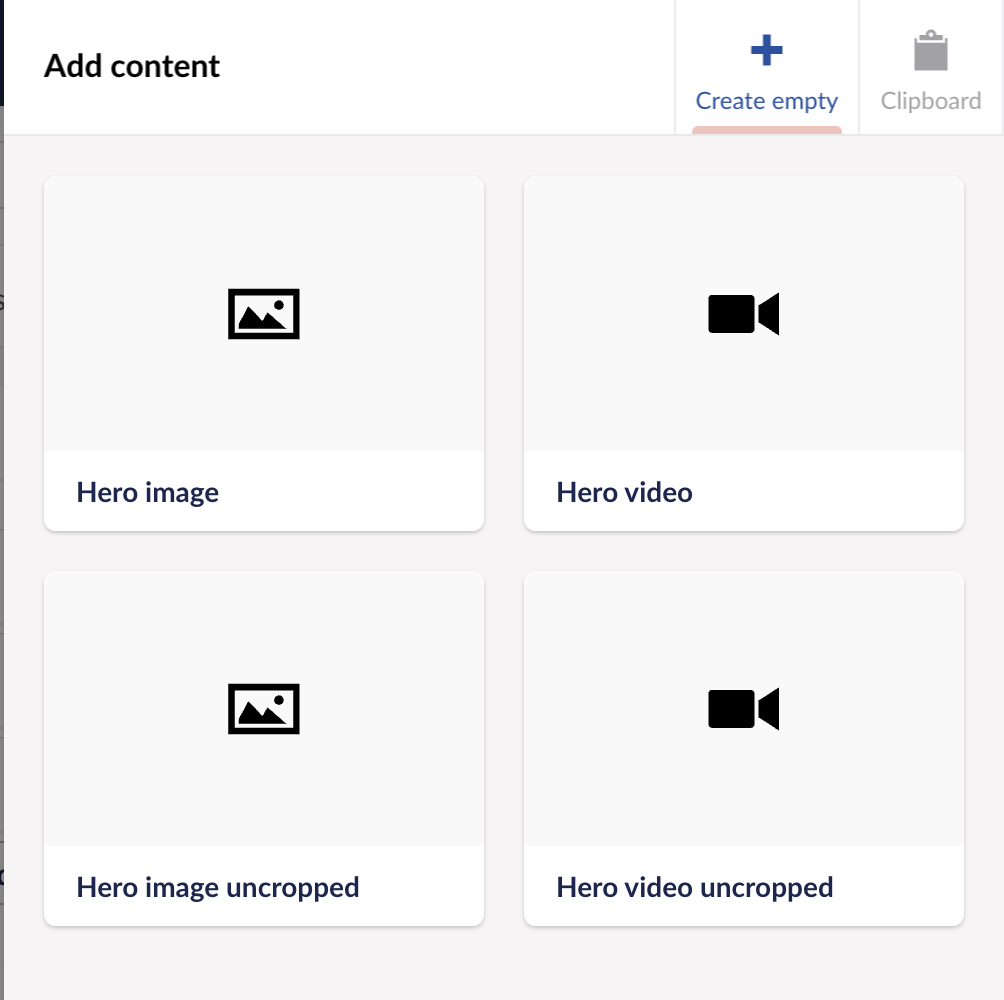
- If your hero image/video is cropped more than you'd like, we'd recommend using the 'uncropped hero' image, this means the image or video will match the device height, allowing more space.
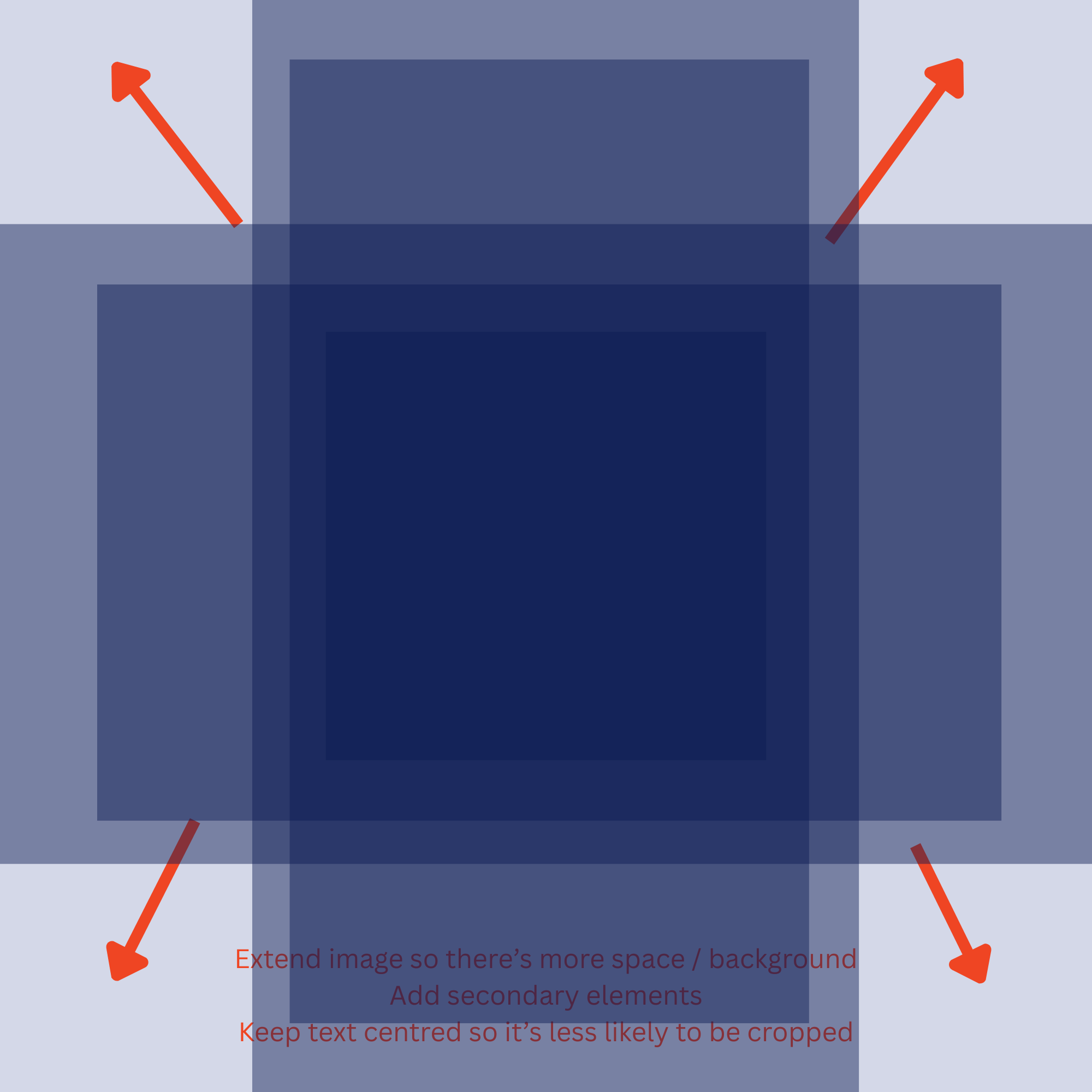
- If you have text on your image and it's being cut off, you will need to move your text to the centre of the image to allow padding so your text doesn't get cut off on certain screen sizes.
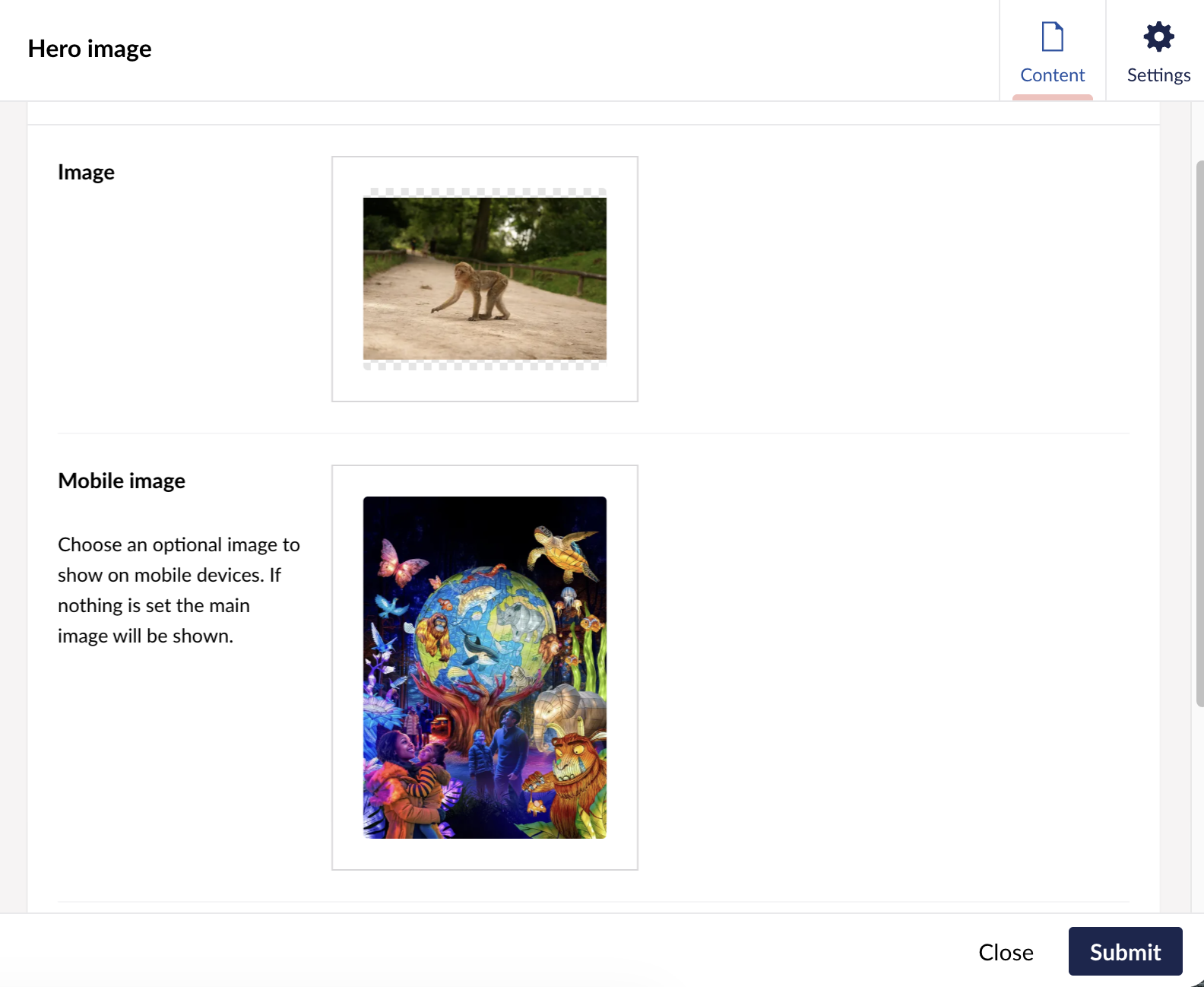
- If your hero image looks correct on desktop but not on mobile, you’ll need to use the “mobile image” option and upload a portrait-format image. This ensures that on mobile devices the image fills the screen appropriately instead of using the landscape desktop version.
Quality issues:
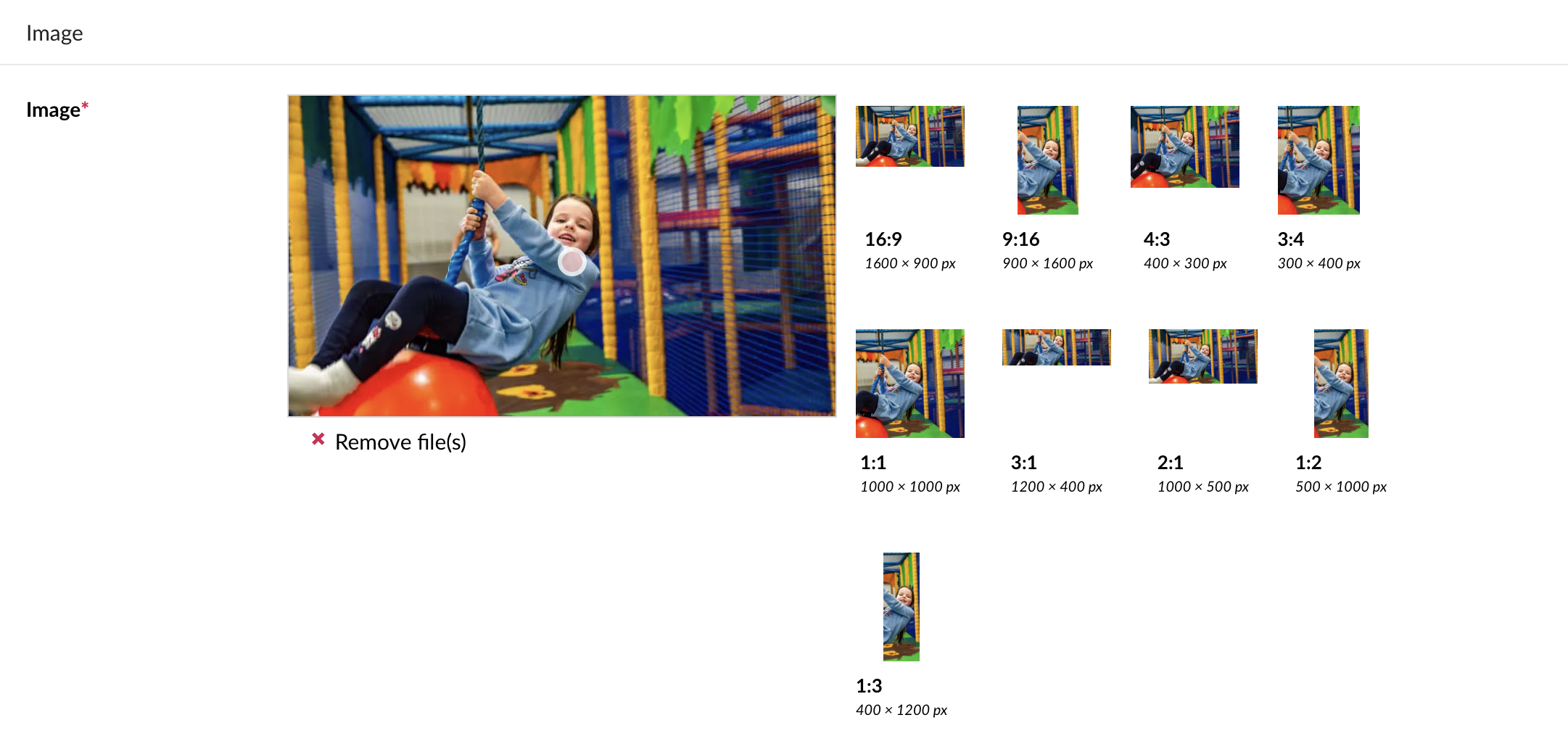
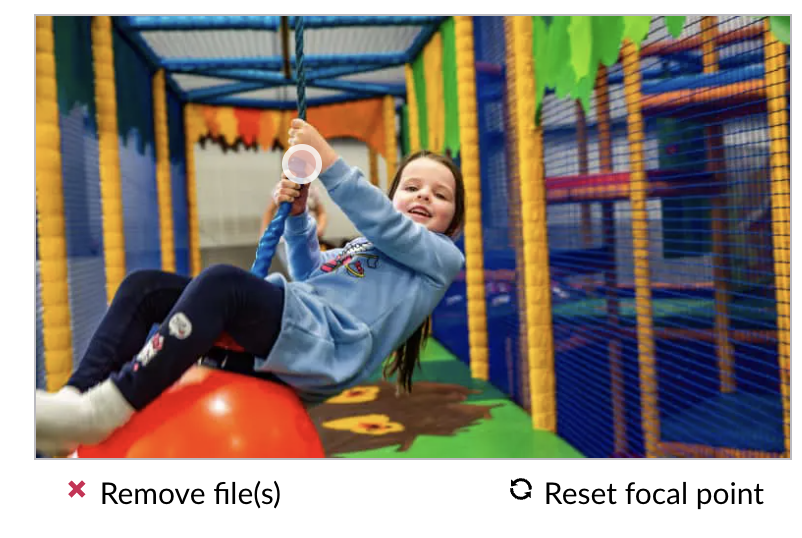
- Some blocks will reposition the image dependent on the text length, for example, the 'split section' block will extend the image height the more text that's added.
Please see our guidance on image sizing if you're still stuck!
Was this article helpful?
That’s Great!
Thank you for your feedback
Sorry! We couldn't be helpful
Thank you for your feedback
Feedback sent
We appreciate your effort and will try to fix the article