A typical page would have several editing properties on it. These are split into sections with the tabs along the top of the editing window. The first tab (Content tab), within a selected page, is where the majority of user-facing content is managed.
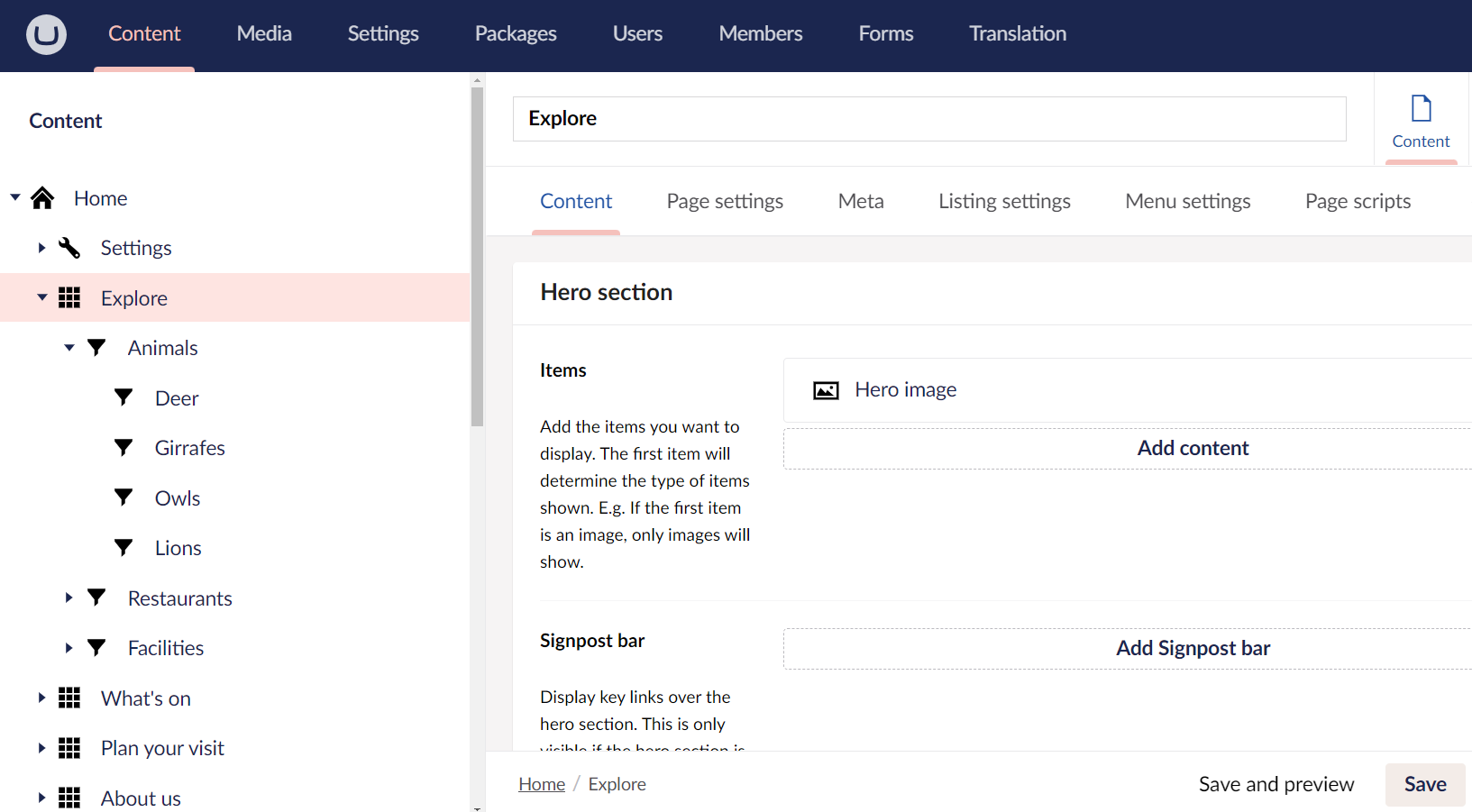
Adding and managing content blocks
This is where the page layout will be created and the main page content will be added. There are a number of different content options available, suitable for numerous different page types (e.g. a basic text page, or an events page with several different content layouts).
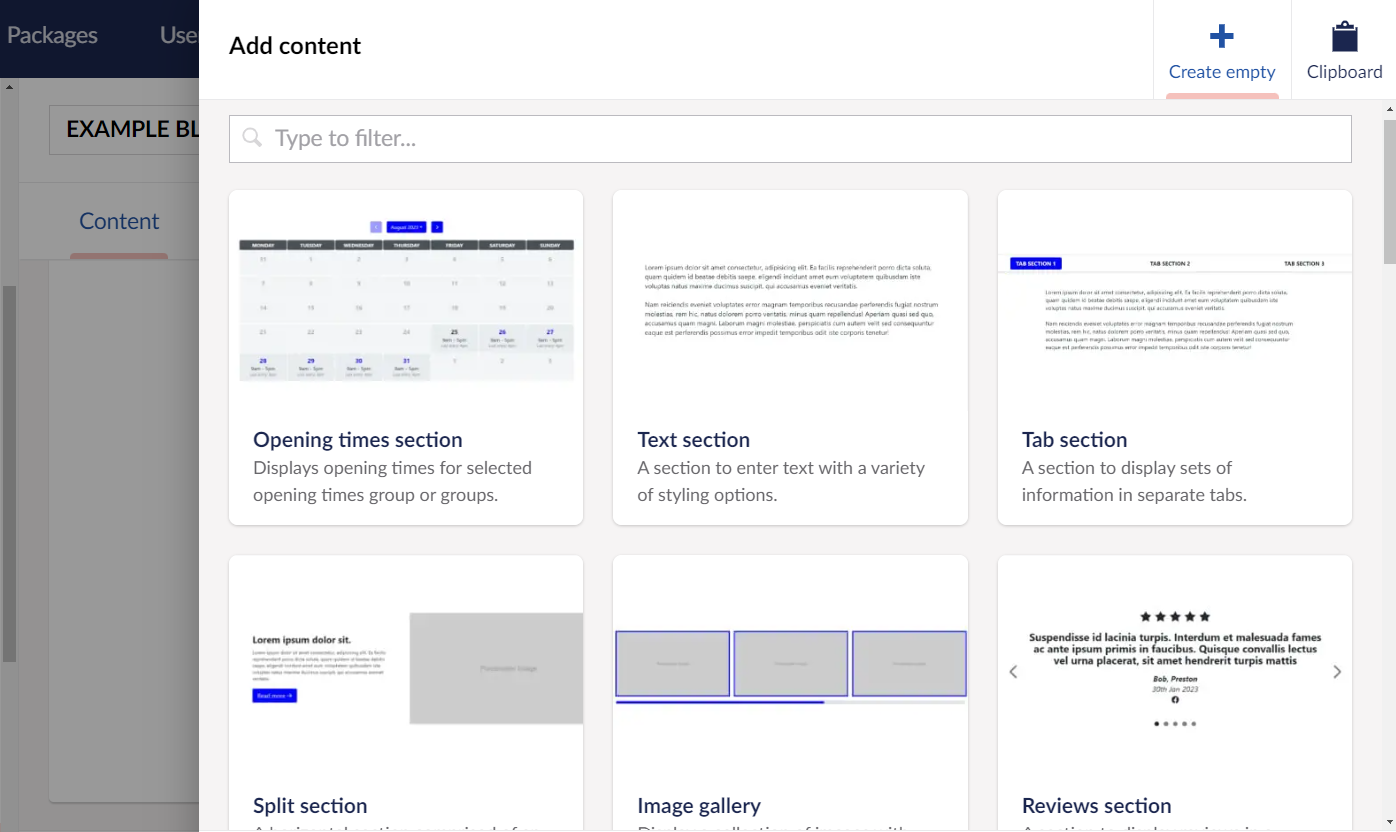
Each content block option has a thumbnail to show you how it looks on the page. You’ll also be able to browse the ‘example-block-page’ page in the CMS. This is a hidden page that shows how all of the different layouts look on the page.
Hero sections: images & videos
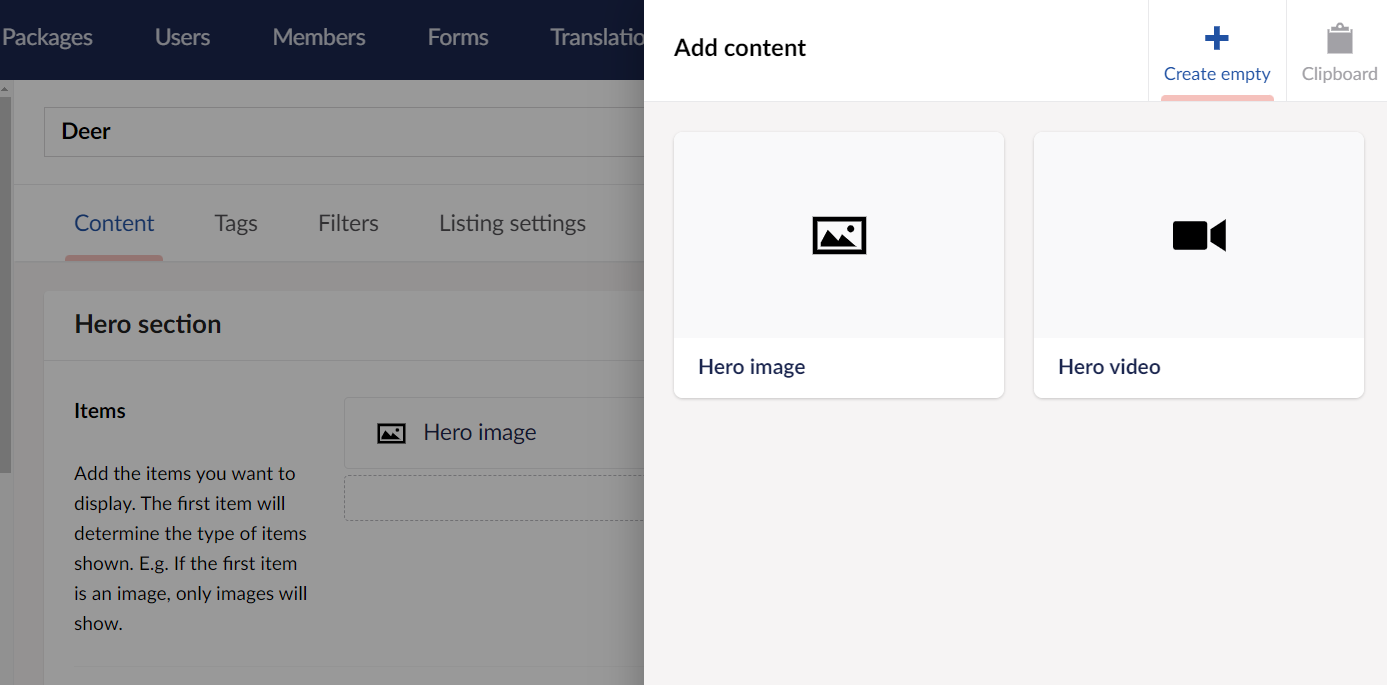
Most of the pages will allow you to add a hero section at the top of the page. This can be:
Hero image(s) - If you add multiple hero images, an image carousel will be displayed on the front end.
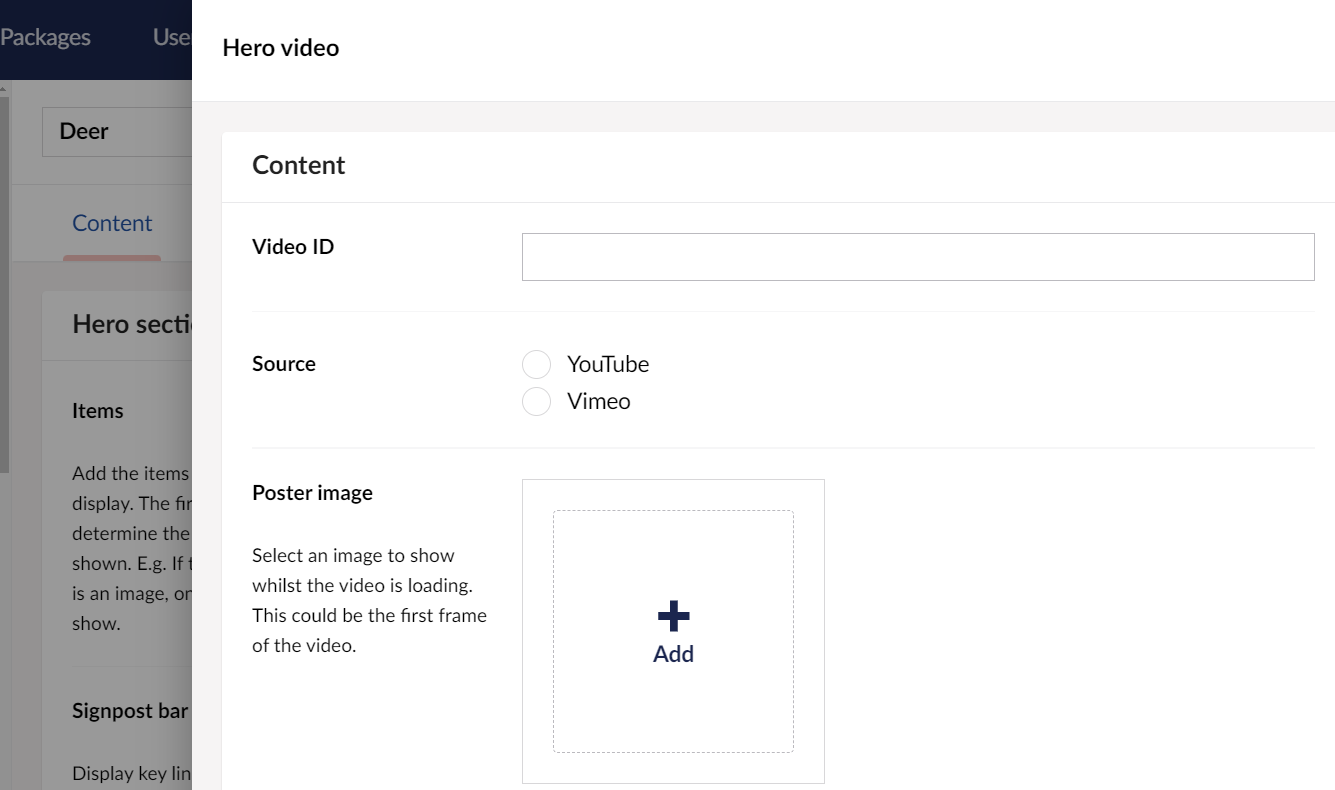
Hero video - This can be from YouTube or Vimeo and can be added simply by adding the video id to the 'Video ID' field.
Was this article helpful?
That’s Great!
Thank you for your feedback
Sorry! We couldn't be helpful
Thank you for your feedback
Feedback sent
We appreciate your effort and will try to fix the article